Meet Sabio Traderoom
Everything you need for simulated trading, in one workspace
Explore markets, analyze charts, place trades, and keep an eye on your account without switching between multiple tools.Sabio Traderoom brings the essentials together in an interface built for a smooth sim trading experience.
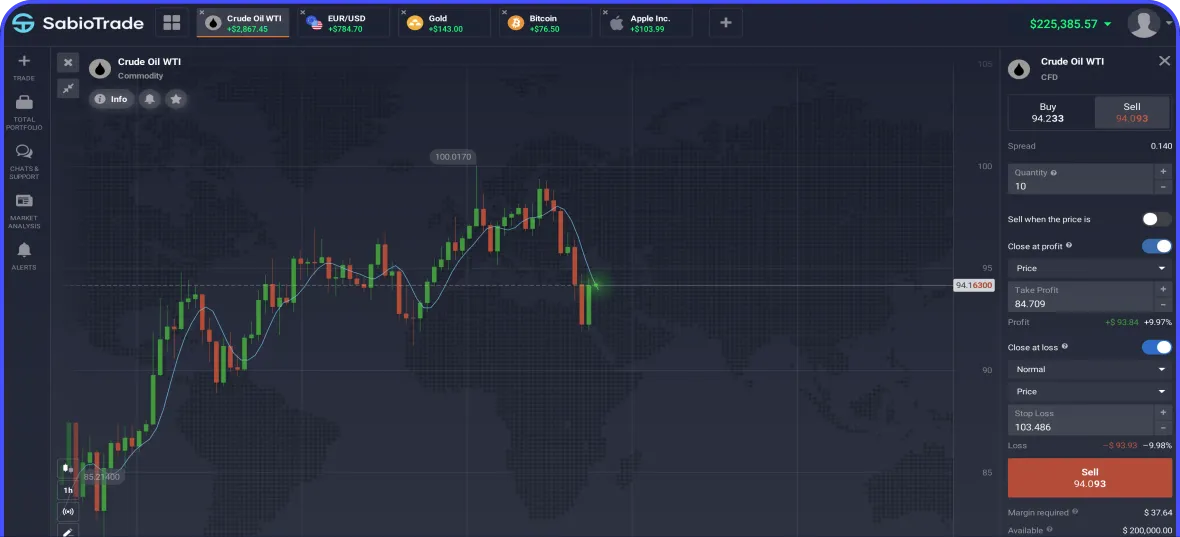
Your trading session, connected
From the first market check to the final review of a trade, Traderoom helps you keep the information you need within reach.
-
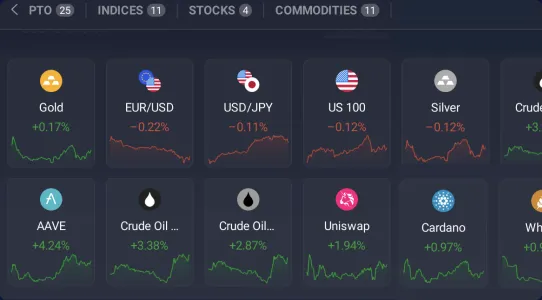
Explore markets
Browse instruments in Market Watch, see live prices and spreads, and open a chart in a click. SabioTrade offers 250+ instruments across forex, stocks, crypto, commodities, indices, and ETFs, all traded in a simulated environment. Availability depends on your account.
-
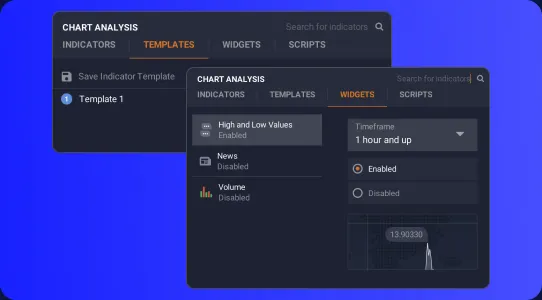
Analyze the chart
Switch between timeframes, use drawing tools and technical indicators, and save indicator templates that fit your approach. Check technical analysis and traders’ sentiment for additional context before making a decision.
-
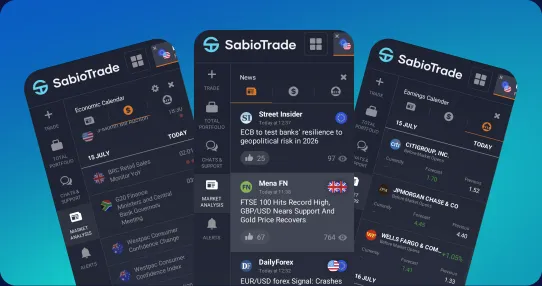
Stay ahead of events
Use the economic calendar to see upcoming announcements, forecasts, and published results. Forex and earnings calendars, along with the newsfeed widget, help you stay aware of events that may affect your plan.
-
Manage positions
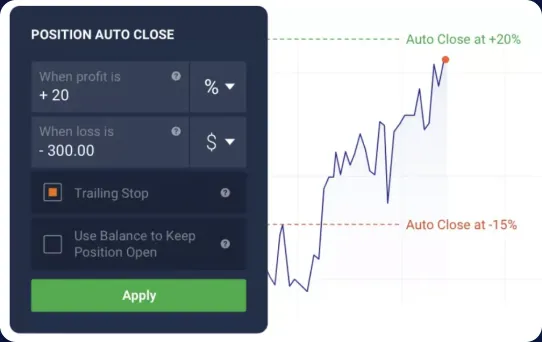
Enter Buy or Sell orders, set your volume, and configure stop-loss and take-profit levels. Once a sim trade is open, follow your positions, pending orders, and trading history from the same workspace.


See the details before you act
Every market has its own trading conditions. Open an instrument to review details such as contract size, minimum trade size, spread, leverage, and applicable fees. Your chart and order controls stay close by, so you can move from analysis to execution with the details in view.
- Contract size
- Minimum trade size
- Spread
- Leverage
- Fees
Before confirming an order, check the instrument, direction, volume, and exit levels. Traderoom supports a clearer trading routine; your strategy and risk decisions remain yours.


Keep track of your account
See your sim balance, account activity, and open positions as you trade. After a session, revisit your trading history to review what you did and how your positions played out.
If you are taking a SabioTrade evaluation, check the objectives and limits for your program in your account dashboard.
Traderoom goes with you
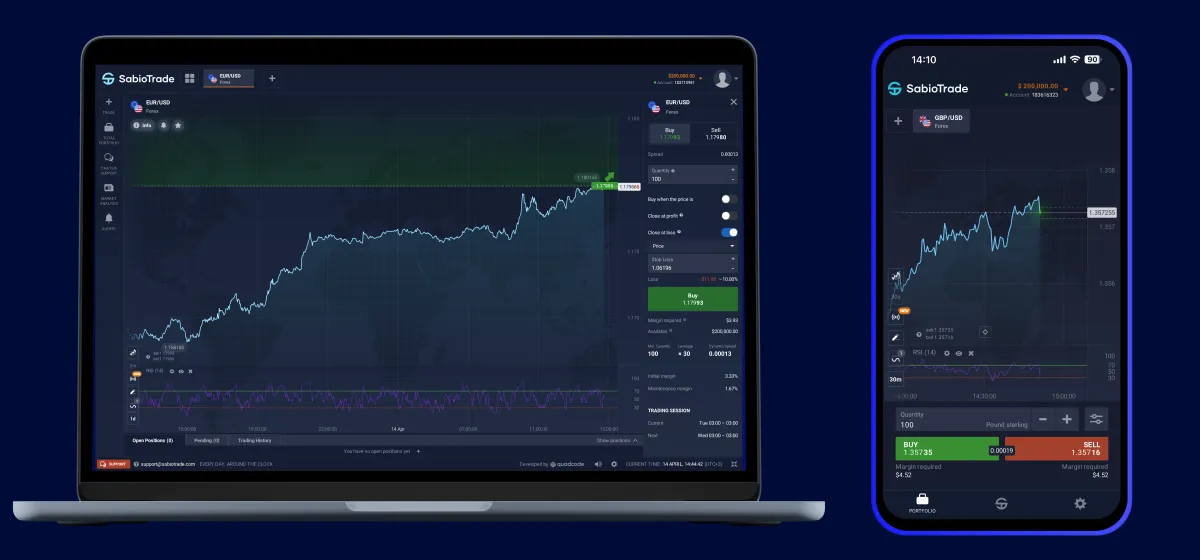
Use Mobile Traderoom to check your activity from your phone when you are away from your desk. Move between desktop and mobile access while keeping your account in view.
See how it works for yourself
Start with a free trial to explore the platform, or choose a SabioTrade program when you are ready. Open Traderoom, pick a market, and get familiar with the tools at your own pace.